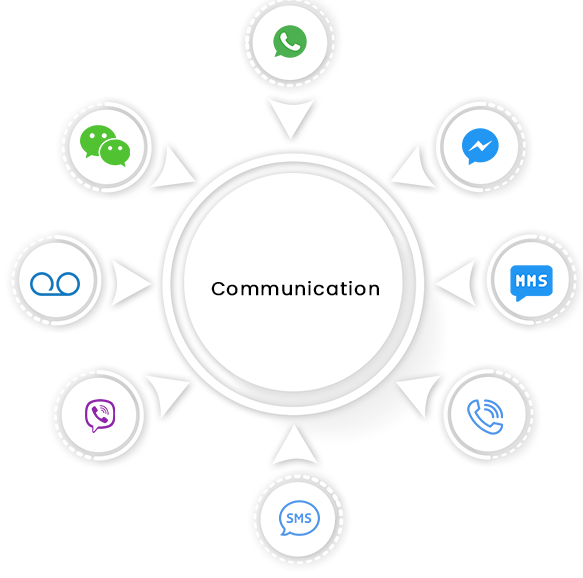
The app comes bundled with one-stop
communication solutions for
SMS, MMS,Whatsapp, CTI, Ringless Voicemails,
Facebook Messanger, Viber and WeChat

A one-stop, single-window solution for all your messaging requirenments.
Send 1-on-1 as well as bulk Whatsapp messages.
voicemail drop that creates the illusion of a missed call, without really being one.
Schedule any form of message (SMS, MMS, Whatsapp, Voicemail) and send it in bulk
Series of templates that can be fired at preset dates and times
Find out what prospects, external links, SMS Templates win the most engagements, and optimize your communication Strategy.
Automated Messaging
iText
Support Multiple Languages
Bring Your Own Number
Link Tracking
One On One Conversation
CTI Call Auto Forwarding
Sticky Sender
Appointment and Rescheduling
YOU CAN FIND ALL ANSWERS HERE IF YOU NEED THEM
Yes, you can use your company’s Landline number, Ring Central number or any VoIP hosted number with 360 SMS App for Sending / Receiving text messages.
Yes with 360 SMS App automations can be easily created within few minutes and support Process Builders, Workflows or even calling our methods in Global Apex class. Click Here for the guide to create one yourself today!
All the text messages are stored in the ‘SMS History’ custom object provided by the app. SMS History can be linked to any of your Standard/ Custom objects and just by utilizing this architecture, you can build any reports to meet your specific business use case.
Any incoming message that you receive with a ‘STOP’ keyword will mark the Lead/Contact (Salesforce record) field ‘SMS Optout’ as true. You can also define Opt-out Keywords of your own in the General Settings of the App and use them as per your business use case.